As an interpreter, your working hours are what determine when you’re shown as bookable in the app. Keeping these up-to-date means you’ll only receive booking requests that actually suit your schedule.
📲 What you need to do:
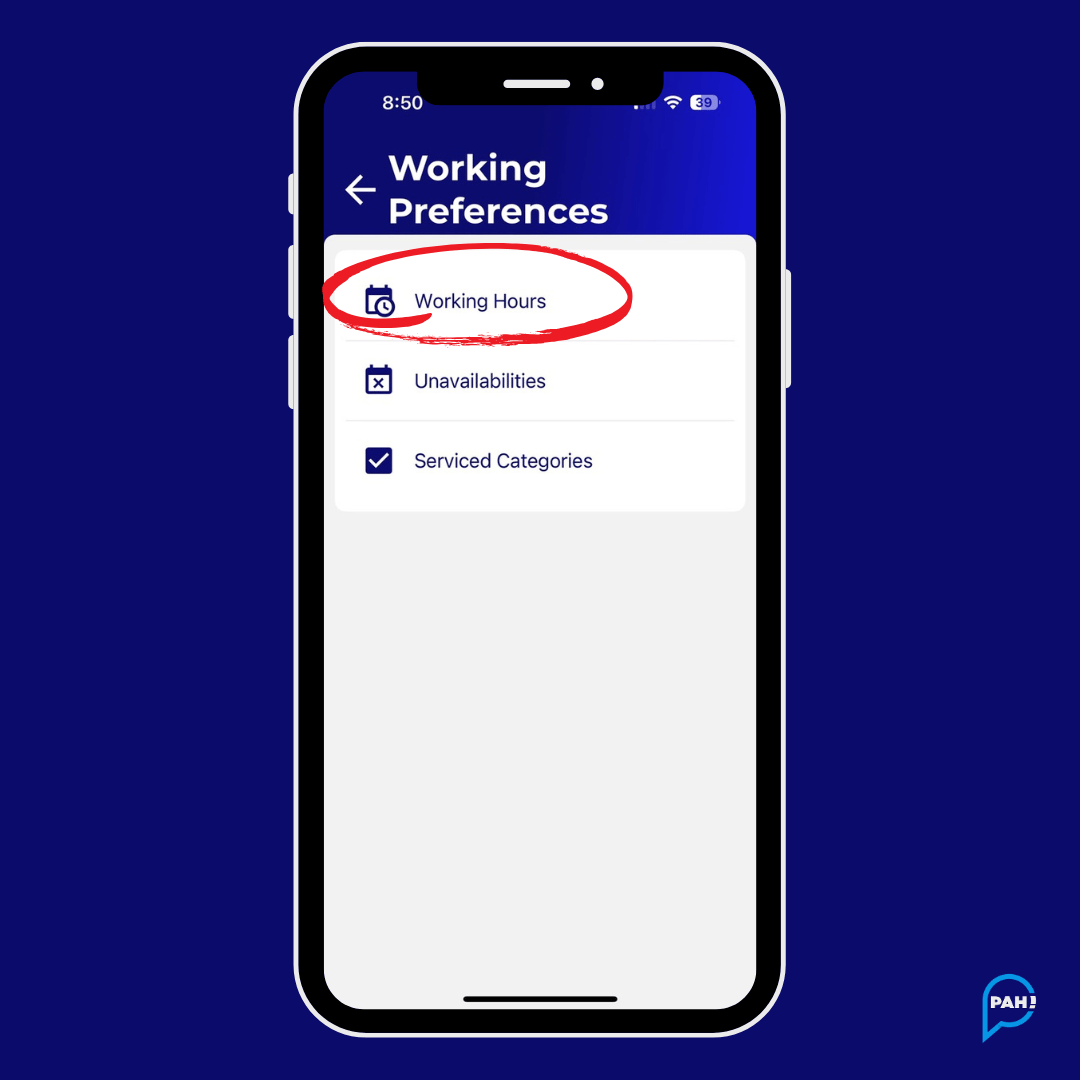
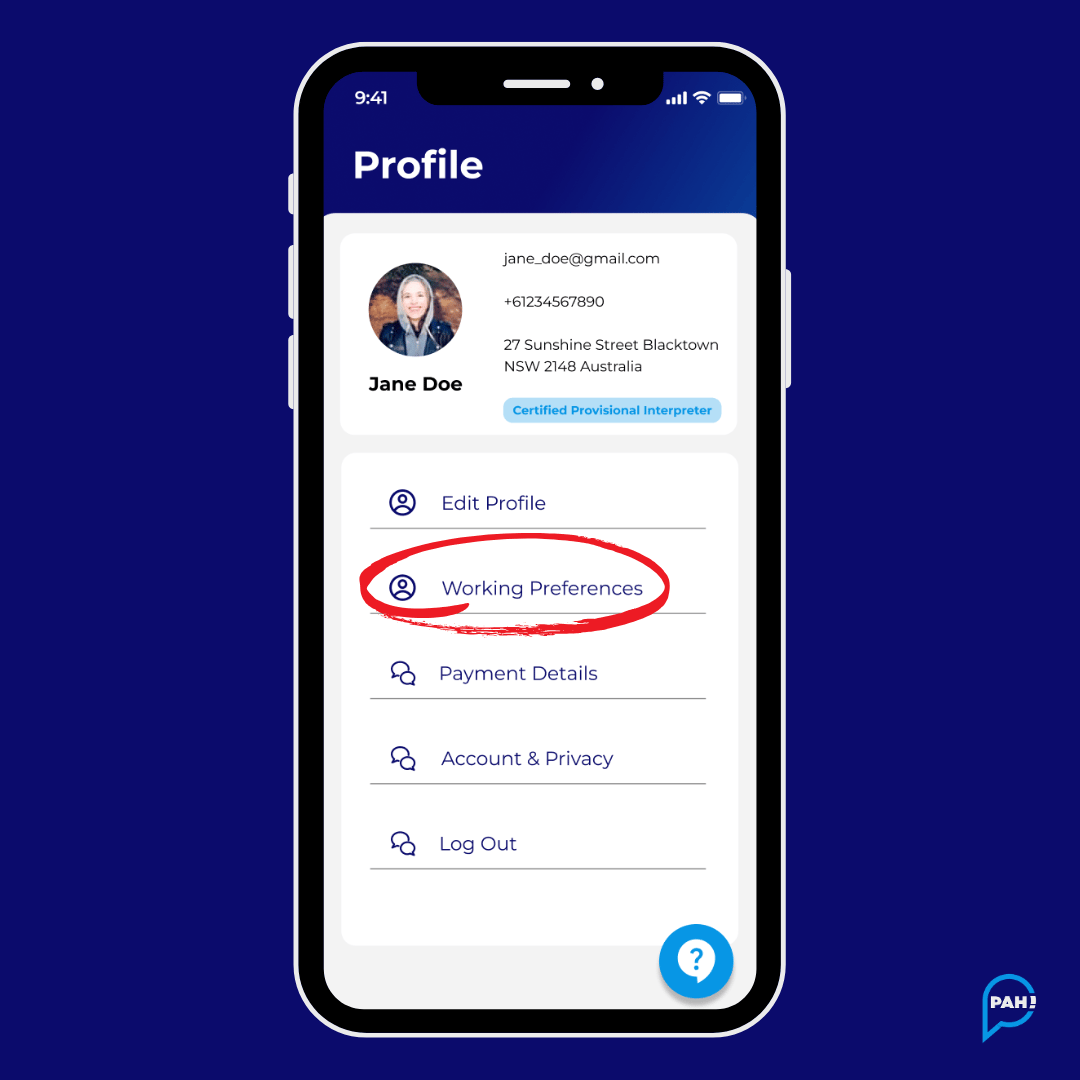
Managing availability is found under Settings > Working Preferences in the app.
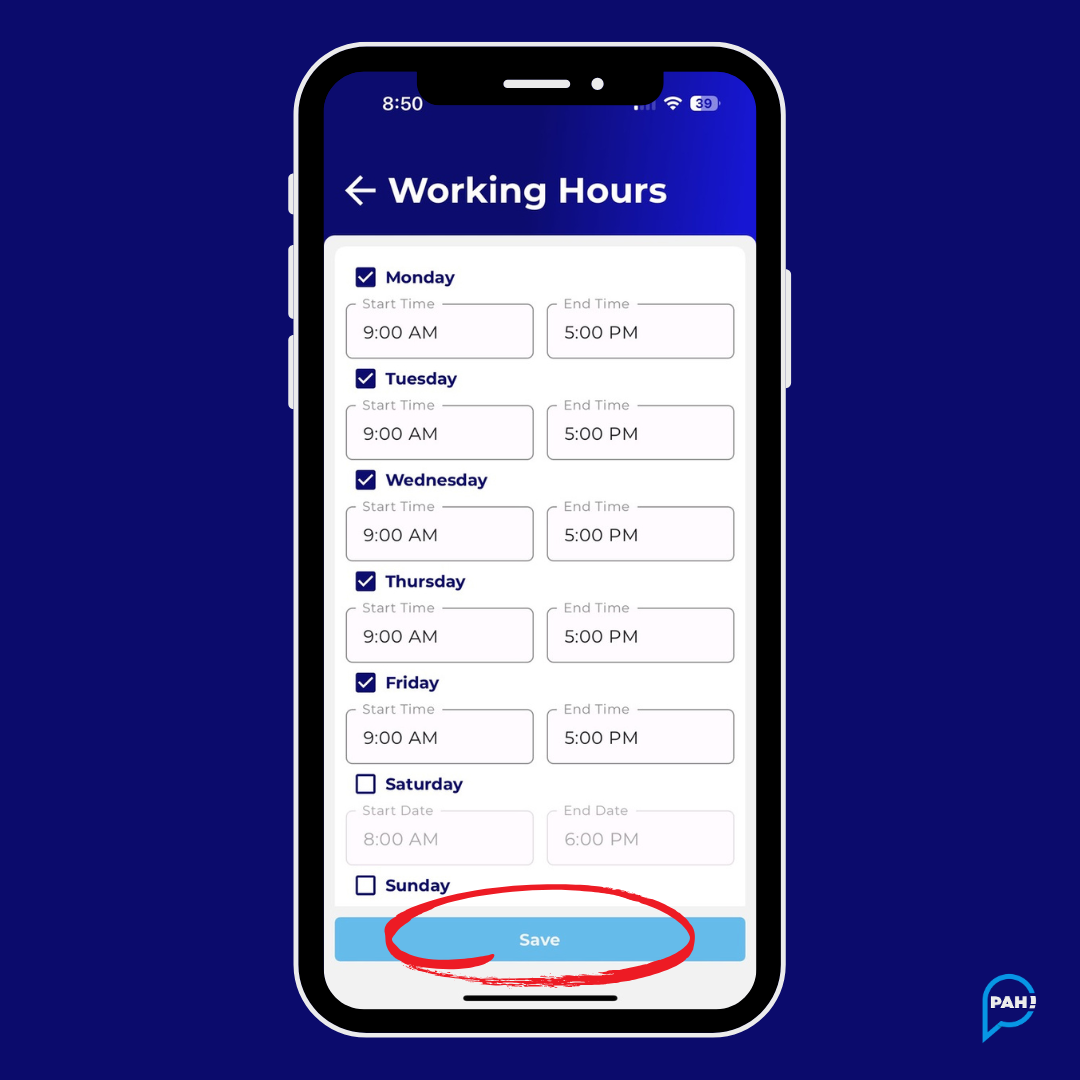
1. Choose your days
Decide which days of the week you typically work (e.g., Mon–Fri, Tues & Thurs only).
2. Set your times
For each day you’re available, set the start and end time that reflects when you’re open to bookings (e.g., 9:00 AM – 5:00 PM).
3. Save your changes
Once you’ve adjusted days and times, save your updated Working Hours. This immediately updates your availability for bookings in the app
Going away or not available for a period of time?
No problem. Use the Unavailabilities section in your Working Preferences to block out specific dates or periods when you don’t want to receive booking requests.
You can add, edit, or delete unavailability any time.
⚠️ Bonus:
Curious to know what calendar syncing functionality is available?
Check out this article.
Check out this article.