---
title: Sending messages to interpreters
description: Effortlessly communicate with interpreters using the PAH app. Learn how to send messages, create chats, and check availability for bookings.
image: https://www.pahapp.com/hubfs/Messaging%20interpreters%20via%20appchat.png
---
[Skip to content](https://www.pahapp.com/customer-knowledge-base/sending-messages-to-interpreters#main-content)
[](https://www.pahapp.com)
- [Home](https://www.pahapp.com)
- [About Us](https://www.pahapp.com/about)
- [How PAH! works](https://www.pahapp.com/customers)
- [For Interpreters](https://www.pahapp.com/interpreters)
- [Resources](https://www.pahapp.com/resources)
- [DOWNLOAD THE APP](https://www.pahapp.com/download)
# Sending messages to interpreters
by [The PAH! Team](https://www.pahapp.com/customer-knowledge-base/author/pahteam) on September 8, 2026
[App](https://www.pahapp.com/customer-knowledge-base/tag/app) [Chat](https://www.pahapp.com/customer-knowledge-base/tag/chat) [Message](https://www.pahapp.com/customer-knowledge-base/tag/message)
You can send a direct message to an interpreter through the PAH! app when you need to communicate about a booking or ask a question.
How to send a message
1. Go to the **Messages** tab in the app
2. Tap **Create Chat**
3. Start typing the name of the interpreter you want to message
4. Select them from the list
Type your message and tap **Send**
#### One to one and group chats
You can create a one to one chat for private conversations, or a group chat when you need to message more than one interpreter. This is especially useful for bookings with multiple interpreters or pods.
---
###### How to create one to one chat ⤵️
###### How to create a group chat video ⤵️
#### Tip for group chat
If you want to check interpreter availability for an upcoming booking, you can create a group chat and ask who is available.
This is especially helpful if your booking requests are declined and you feel stuck. You can use a group chat to ask other interpreters if they’re available, or available for part of the booking, so you can create multiple bookings on the same date at different times to match their availability.
Spread the word:
[Share this blog post on Twitter](https://twitter.com/intent/tweet?text=I+found+this+interesting+blog+post&url=https://www.pahapp.com/customer-knowledge-base/sending-messages-to-interpreters) [Share this blog post on Facebook](http://www.facebook.com/share.php?u=https://www.pahapp.com/customer-knowledge-base/sending-messages-to-interpreters) [Share this blog post on LinkedIn](http://www.linkedin.com/shareArticle?mini=true&url=https://www.pahapp.com/customer-knowledge-base/sending-messages-to-interpreters)
### Leave a comment:
## Related Articles
[](https://www.pahapp.com/customer-knowledge-base/choosing-the-right-interpreter)
### [How do I choose the right interpreter for my booking?](https://www.pahapp.com/customer-knowledge-base/choosing-the-right-interpreter)
Choosing the right interpreter can make a big difference to your booking experience. That's why we...
by [The PAH! Team](https://www.pahapp.com/customer-knowledge-base/author/pahteam)
[](https://www.pahapp.com/customer-knowledge-base/why-is-preparation-important)
### [Why is preparation important?](https://www.pahapp.com/customer-knowledge-base/why-is-preparation-important)
The more detail you give your interpreter ahead of time, the better. You can upload documents,...
by [The PAH! Team](https://www.pahapp.com/customer-knowledge-base/author/pahteam)
[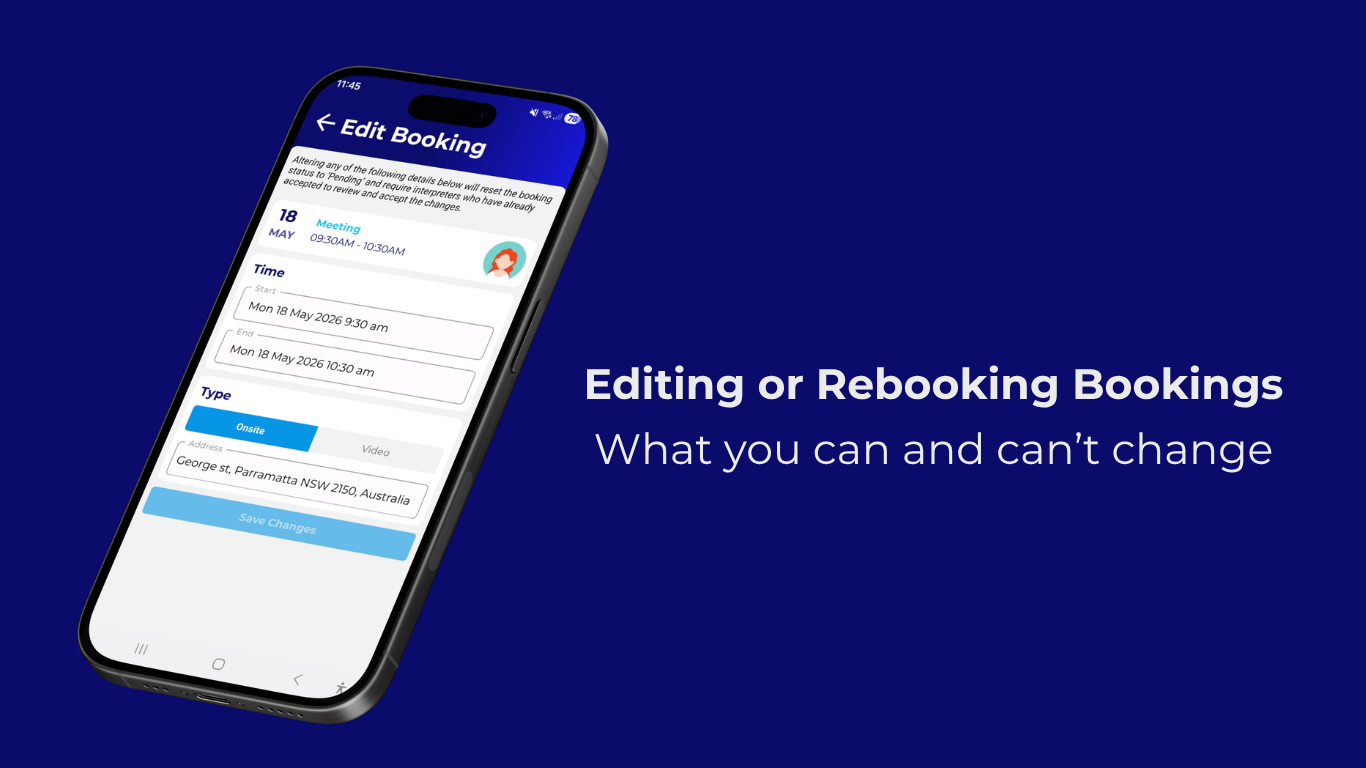](https://www.pahapp.com/customer-knowledge-base/edit-or-rebook)
### [Editing or Rebooking Bookings](https://www.pahapp.com/customer-knowledge-base/edit-or-rebook)
**Editing a booking depends on timing.**
Here's what you can ✅ and can't ❌ change - and when you'll...
by [The PAH! Team](https://www.pahapp.com/customer-knowledge-base/author/pahteam)
#### Contact Us
☎️ 0427 837 280 (SMS)
✉️ hello@pahapp.com
#### Quick Links
- [For Businesses](https://www.pahapp.com/pah-blog/can-businesses-book-interpreters-through-pah-0)
- [Our Rates](https://www.pahapp.com/customer-knowledge-base/how-much-does-it-cost-to-book-an-interpreter-through-pah)
- [Terms and Conditions](https://www.pahapp.com/terms-and-conditions)
- [Privacy Policy](https://www.pahapp.com/privacy-policy)
#### Resources
- [Knowledge Base](https://www.pahapp.com/knowledge-base)
- [Events](https://www.pahapp.com/events)
- [App Demo](https://www.pahapp.com/demo)
- [PAH! Blog](https://www.pahapp.com/pah-blog)
- [Our Interpreters](https://www.pahapp.com/interpreters-list)
[Download PAH!](https://www.pahapp.com/download)
---
© PAH! App 2025. All rights reserved
```json
{
"@context" : "https://schema.org",
"@type" : "BlogPosting",
"author" : {
"@type" : "Person",
"name" : "The PAH! Team",
"url" : "https://www.pahapp.com/customer-knowledge-base/author/pahteam"
},
"dateModified" : "2026-09-08T01:05:33.468Z",
"datePublished" : "2026-09-08T01:05:33.000Z",
"headline" : "Sending messages to interpreters",
"image" : [ "https://www.pahapp.com/hubfs/Messaging%20interpreters%20via%20appchat.png" ],
"mainEntityOfPage" : {
"@id" : "https://www.pahapp.com/customer-knowledge-base/sending-messages-to-interpreters",
"@type" : "WebPage"
},
"publisher" : {
"@type" : "Organization",
"logo" : {
"@type" : "ImageObject",
"url" : "https://www.pahapp.com/hubfs/PahLogo_Primary_v1.svg"
}
}
}
```
```json
{
"@context" : "https://schema.org",
"@type" : "VideoObject",
"contentUrl" : "https://45006527.fs1.hubspotusercontent-na1.net/hubfs/45006527/video_assets/221323536938/inherited/web_optimized.mp4",
"dateModified" : "2026-09-08T00:53:18.612Z",
"duration" : "PT29S",
"height" : 636,
"name" : "How to create a chat to an interpreter",
"thumbnailUrl" : "https://45006527.fs1.hubspotusercontent-na1.net/hubfs/45006527/How%20to%20create%20a%20chat%20to%20an%20interpreter.mov/medium.jpg",
"uploadDate" : "2026-09-08T00:53:18.610Z",
"width" : 1170
}
```
```json
{
"@context" : "https://schema.org",
"@type" : "VideoObject",
"contentUrl" : "https://45006527.fs1.hubspotusercontent-na1.net/hubfs/45006527/video_assets/221323544420/inherited/web_optimized.mp4",
"dateModified" : "2026-09-08T00:53:26.643Z",
"duration" : "PT46S",
"height" : 636,
"name" : "How to create a group chat.mp4",
"thumbnailUrl" : "https://45006527.fs1.hubspotusercontent-na1.net/hubfs/45006527/How%20to%20create%20a%20group%20chat.mp4.mov/medium.jpg",
"uploadDate" : "2026-09-08T00:53:26.641Z",
"width" : 1170
}
```